Digital Save the Date Ideas for Modern Couples

Save the dates let guests know your wedding date early, so they can book time off, arrange travel and childcare. Digital save the dates are quicker and cheaper than printed cards, better for the environment, and can link straight to your wedding website. Here are our favourite ideas. These digital save the date ideas are quick to send and easy for guests to keep.
When to send save the dates
- UK weddings. Around 6 to 12 months before.
- Destination weddings. 9 to 12 months, or even earlier.
- Bank holiday and peak summer dates. As early as you can, as guests book holidays early.
Digital save the date ideas
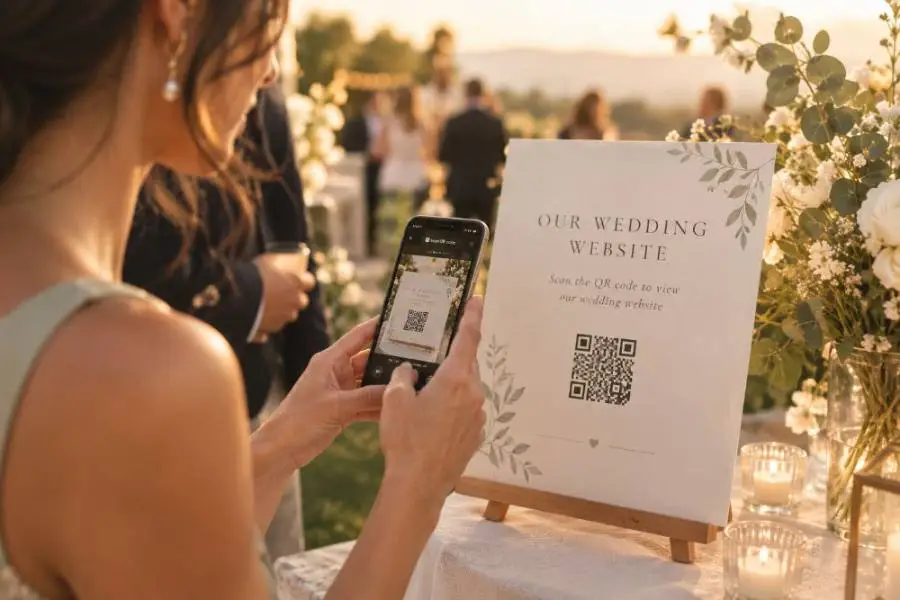
- A wedding website link. Share your website with the date, venue and a "more details coming soon" message. Guests can return anytime.
- A short video. Clips of the two of you, your proposal or a countdown.
- Animated cards. An envelope opening or your names appearing in your wedding colours.
- A photo with the date. An engagement photo with the date over the top.
- A countdown. A link to your website with a live countdown to the big day.
- A playlist. Share a song with the message "Save the date".
- Your pet as the messenger. Always a crowd-pleaser.
What to include
- Your names
- The wedding date
- The town or city (and the venue if it's booked)
- "Invitation to follow"
- Your wedding website address
Wording ideas
- Save the date! Laura and James are getting married on 12th June 2027 in Hampton. Invitation to follow.
- We're getting married! Keep 12.06.27 free. Details at laurajames.co.uk
- Book the babysitter, buy the hat. We're getting married on 12th June 2027.
Tips
- Only send save the dates to people you're sure you will invite.
- Use BCC for group emails, or send individually.
- Include accommodation tips early for destination or remote venues.
- Keep a list of who you've sent them to.
For the next step, see wedding invitation wording examples and our wedding invitation timeline.
Keeping track
Keep a simple list of who you've sent save the dates to and their contact details. You'll use the same list for invitations, RSVPs and thank you cards later.
Make it your own
Every wedding is different, so use this as a starting point and adapt it to suit your venue, your budget, your guests and the two of you.
Following up
Once your invitations are ready, send them to everyone who received a save the date.
Share it with your wedding party
Send a link to this page to your wedding party and anyone helping with the planning, so everyone knows what to expect and nothing gets missed on the day.
Digital save the date ideas: your questions answered
Are digital save the dates acceptable?
Yes. They're now very common, quicker to send and kinder to the environment. You can still post a printed card to older relatives if you prefer.
How do we send digital save the dates?
By email, text message or messaging app, with a link to your wedding website. Send them individually or use BCC for group emails so addresses stay private.
Do we still need printed invitations?
It's up to you. Some couples go fully digital, while others send printed invitations to everyone and use digital save the dates first.
What if a guest misses the message?
Follow up with anyone who hasn't replied or reacted, and include the date again when you send the invitation.
Share it with your guests
Your wedding website can be your save the date. Share the link early, then add RSVPs, the order of the day and travel details as your plans come together. Here's how to share it.
Ready to bring everything together? Build your wedding website with Personal Wedding Website and give your guests every detail in one beautiful place.