How to Collect Wedding Photos From Guests
Your guests will take hundreds of photos on the day, from moments your photographer never sees. The hard part is getting them all in one place. Here are the options, and how to make sharing easy. Here's how to collect wedding photos from guests easily, without chasing everyone afterwards.
The common options
- Group chats: quick, but photos get compressed and lost among messages.
- Shared albums: work well if everyone uses the same type of phone, but some guests get left out.
- Photo sharing apps: guests often won’t download an app for one day.
- A gallery on your wedding website: guests upload from any phone, in their browser, with no app or account.
Make it easy for guests
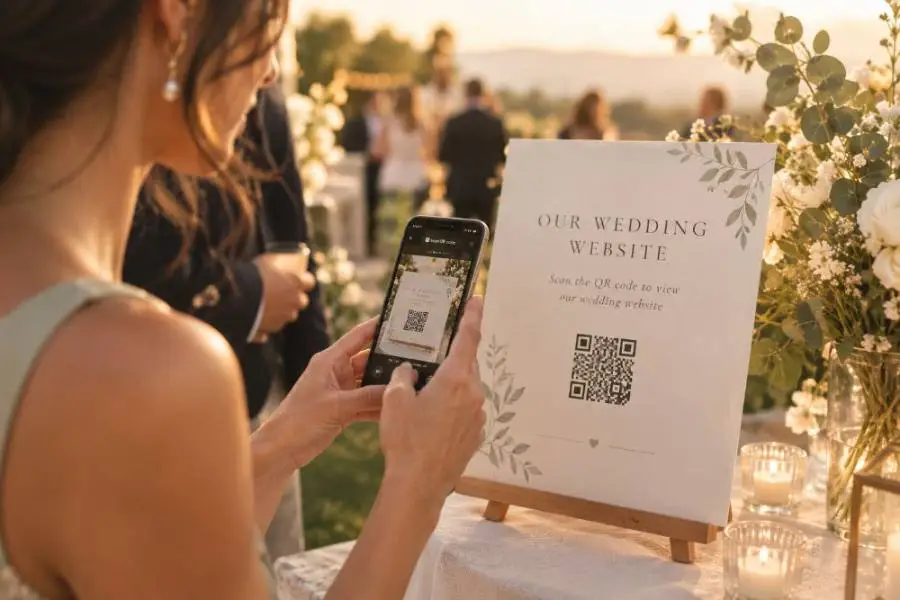
- Put a QR code on each table with “Share your photos with us”.
- Mention it in a speech or on a welcome sign.
- Remind guests the morning after with a short message and the link.
- Ask for videos too: first dance and speech clips are often the favourites.
Show photos as they arrive
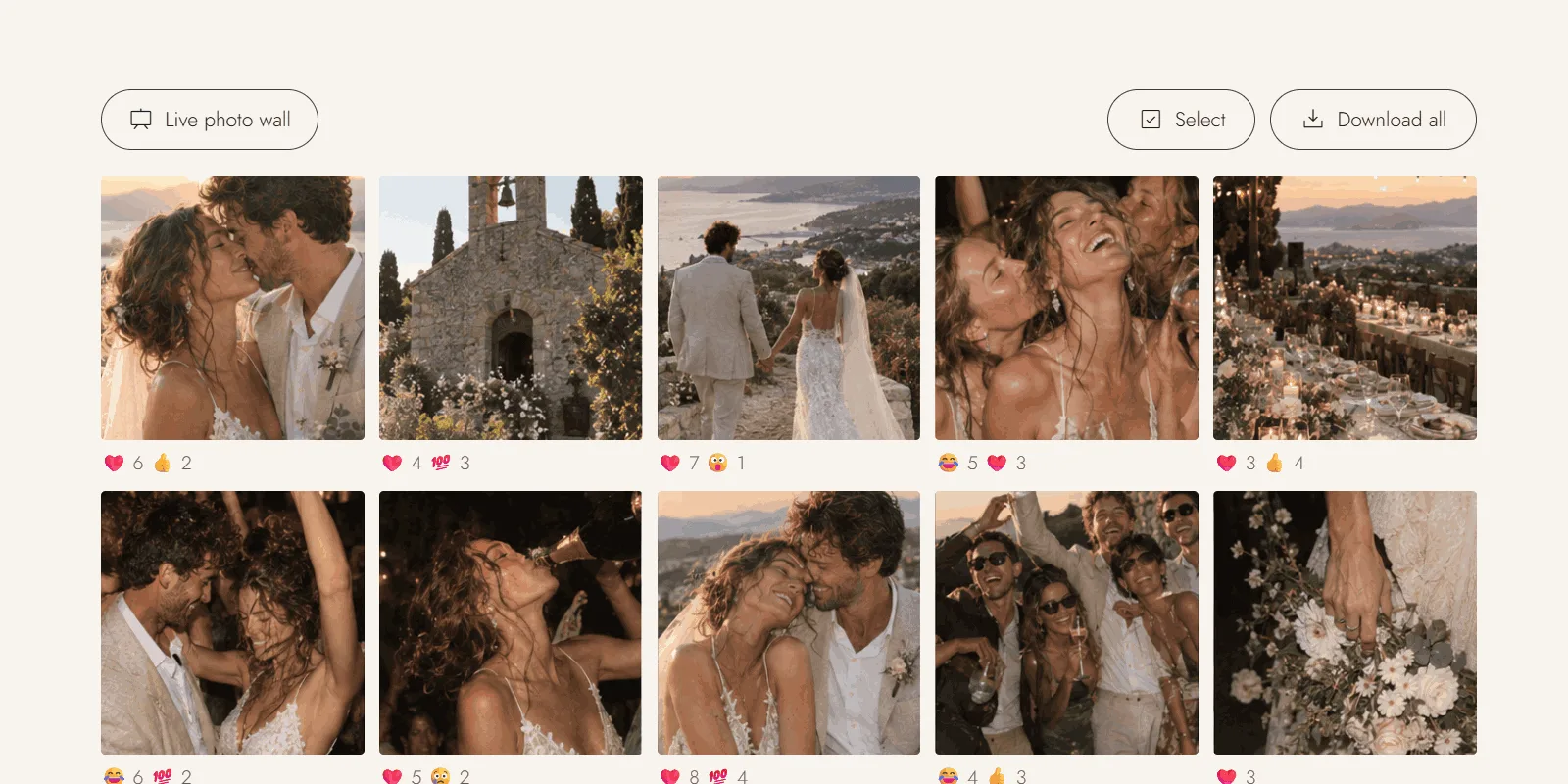
A live photo wall on a screen at the venue shows new photos as guests upload them. It is a lovely talking point, and it encourages more people to share.
After the wedding
Keep uploads open for a week or two so guests can add photos when they get home, then download everything in one go.
See how guest photo sharing works on our wedding websites.
Encouraging guests to share
Mention the photo gallery in your welcome speech or have the host announce it after dinner. Put QR codes on every table and at the bar, and add a line to your thank you cards inviting guests to upload anything they missed. A live photo wall on a screen at the venue is a great prompt, because guests love seeing their pictures appear.
Asking for the right kinds of photos
Guests often capture the moments your photographer can't: getting ready, the journey to the venue, candid laughs at the table and the dance floor late at night. Let guests know you'd love these behind-the-scenes shots, and ask anyone with a good camera to share their best pictures too. You could even suggest a few fun photo challenges on the tables.
Keeping photos private
If you'd rather your photos weren't on social media, use a private gallery protected by your guest password. Guests can still view, react to and download each other's pictures, but only invited guests can see them.
Collect wedding photos from guests: your questions answered
Are photos lower quality when shared through messaging apps?
Often, yes. Many messaging apps compress photos to save data. A dedicated upload gallery keeps the original quality, which matters if you want to print them later.
Do guests need to download an app?
Not with a web-based gallery. Guests open the link or scan a QR code and upload straight from their phone's camera roll, with no account or password needed beyond your guest password.
Can guests upload videos too?
Many galleries accept short videos as well as photos. Check the file size limit and remind guests that videos from the first dance and speeches are especially welcome.
How long should we keep the gallery open?
Keep it open for at least a few weeks after the wedding. Guests often find more photos when they get home, and some will upload days later.
How do we download all the photos?
Look for a "download all" option that saves every photo and video in one go. Make a backup copy on a computer or cloud storage as soon as the gallery closes.